Before and after, per setting
Open a change to see each setting and assignment with its old and new value side by side.
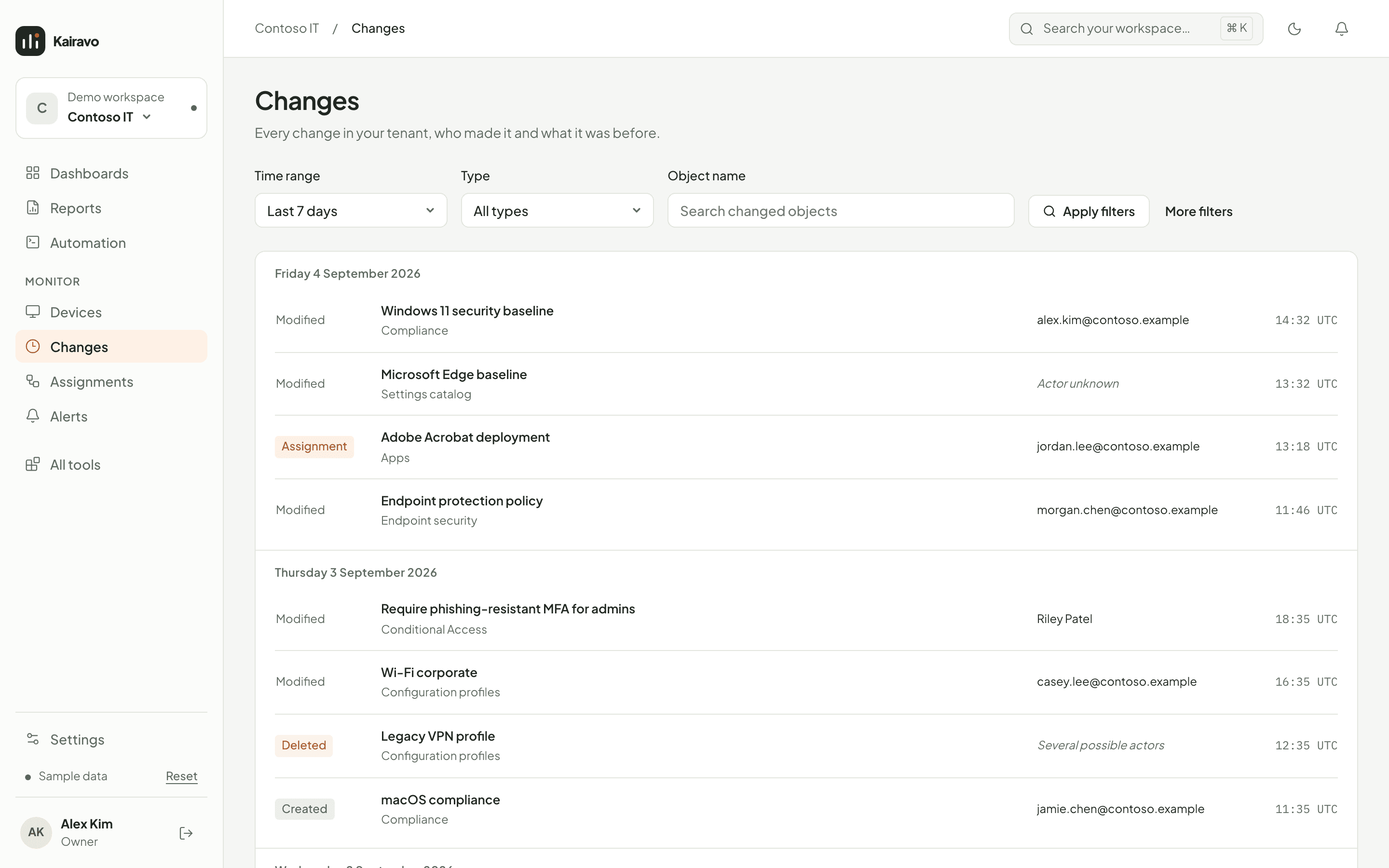
See who changed what in Intune and Entra, when, and what each setting was before the change.
When something breaks after a change, the before value is the first thing you need. Kairavo keeps it.
Open a change to see each setting and assignment with its old and new value side by side.
Changes are matched to audit events. When the log cannot tell, Kairavo says the actor is unknown or ambiguous instead of guessing.
Created, modified, deleted and assignment changes across policies, apps, scripts, Conditional Access, groups, Windows 365 and more.
Filter by time range from 24 hours to 90 days, by type, actor or name, and jump to the matching page in the Intune portal.
The app takes hourly snapshots of your configuration and reads audit events every five minutes.
Filter the timeline by time, type, actor or object name.
Open the change to see what each setting was before and what it is now.
History starts with the first collection after you connect your tenant and is kept on your computer.
Kairavo names an actor only when an audit event matches the change. If none or several match, it says so instead of guessing.
For objects in the hourly snapshots, yes. Changes that only appear in Entra audit events show what changed, without the earlier value.
Intune dashboards, automations and reports in one desktop app. When the preview opens, everyone on the list gets the download link by email.